Adding a QR code to a business card solves one problem: it gives the recipient a quick way to move from the printed card to something digital.
It also creates a more important decision. What should appear after they scan it?
The QR code could open your website, contact file, WhatsApp conversation, portfolio, brochure or social-media page. Each may be useful in a particular situation, but a professional business card generally needs to support more than one possible next step.
For most professionals, the strongest destination is a focused digital profile that explains who you are, makes your contact details easy to save and guides the recipient towards relevant information.
Why did we exchange business cards in the first place?
Before deciding what the QR code should open, it helps to remember why professionals exchange business cards.
A business card is intended to:
- Establish who you are
- Connect your name with your role and company
- Provide reliable contact information
- Represent your professional or business identity
- Remind the recipient where or why you connected
- Help the recipient understand what you do
- Make a future conversation or follow-up easier
- Give the recipient something they can retain or refer to later
- Allow your information to be shared with someone else as a referral
The card is therefore more than a route to a phone number. It preserves enough identity and context for the connection to remain meaningful after the meeting has ended.
A QR code should extend this purpose rather than reduce it. If it opens only a WhatsApp conversation, a social-media profile or an unexplained contact download, some of the identity and context carried by the original business card may be lost.
The right destination should help the recipient recognise you, recall what you do, save your details and choose an appropriate next step.
Start with the recipient’s reason for scanning
Someone scanning your business card has usually already met you or encountered your work. They are not beginning a broad search. They want to recall who you are and decide what to do next.
The destination should quickly answer:
- Who is this person?
- What do they do?
- Where did I meet or hear about them?
- How can I contact them?
- What should I explore next?
A generic company homepage may contain some of this information, but it often makes the recipient search for it. A dedicated profile can present the most relevant information immediately.
Before generating the code, decide what action you want to make easier. That could be saving your contact, viewing your work, sending an enquiry or arranging a conversation.
The destination becomes part of your first impression
Scanning a QR code while you are meeting someone is not merely a technical action. The page that opens becomes an immediate extension of how you present yourself.
If the code opens an unfamiliar third-party page, a generic link service or a destination that appears unrelated to you, it can weaken an otherwise professional introduction. The recipient may wonder whether the link is trustworthy, whether it is temporary or whether the solution has been assembled using shortcuts.
A credible destination should immediately show your name, photograph, role, company or recognisable branding. Its web address and appearance should feel deliberate and connected to the card the recipient has just scanned.
Just like your finished product, every visible detail influences how people perceive the thought and quality behind your work. The physical card, QR code and digital destination should therefore feel like parts of one considered professional experience—not a collection of temporary fixes.
Should it open your website?
Linking a QR code to your website can be suitable when the website already provides a clear mobile experience and the company—not an individual—is the main subject of the card.
However, many homepages contain multiple navigation choices, campaigns and messages. The recipient may still need to find the person they met, locate contact information or identify the relevant service.
If you use your website as the destination, consider creating a dedicated landing page for the card. Keep your identity, contact actions and most relevant content close to the top. Make sure the page loads quickly on a mobile connection and does not open with a large popup that hides the information.
Should it download your contact directly?
A QR code can encode contact information or point to a downloadable contact file. This can make saving your name, phone number and email address convenient.
But an immediate contact download may be unexpected. Some phones display the encoded information differently, while others ask the user to confirm before adding it. A contact file also gives the recipient little context about your services or the conversation they had with you.
A clearer approach is to open a digital profile with a visible Save Contact option. The recipient can first confirm whose profile they are viewing and then choose to save the details.
Remember that scanning or opening a profile does not prove that the contact was saved. The recipient still needs to complete the save action on their phone.
Should it open WhatsApp?
A direct WhatsApp link can work when starting a conversation is the obvious next step—for example, on a sales card, service counter or promotional handout.
For a general professional business card, however, WhatsApp alone may not preserve enough context. If the recipient does not save your contact properly, they may later see only a phone number and an old conversation. Weeks or months afterwards, they may struggle to remember who you are, where you met or what your business does.
There is also the possibility of disappearing messages. If they are enabled for the conversation, the introductory message that explained your identity or the reason for connecting may eventually disappear. The recipient could be left with a phone number but little useful context about the relationship.
A pre-filled message can help at the beginning, but it is not a substitute for a professional identity that the recipient can revisit. Even when messages remain available, the conversation may become buried among many other chats.
A digital profile gives the recipient a clearer reference point: your name, photograph, role, company, services and contact options remain together. WhatsApp can still be offered as a prominent action within that profile, alongside calling, emailing and saving your contact.
This way, WhatsApp supports the conversation without becoming the only record of the connection.
Should it open a portfolio or brochure?
A portfolio or brochure may be the most valuable content after certain meetings. An architect could show completed projects, a consultant could share a capability profile, and a manufacturer could provide a product catalogue.
Opening a PDF directly, however, may not give the recipient an easy way to save your contact or return to your other information. Large documents can also be slow to load on mobile connections.
Instead, consider placing the portfolio or brochure within a digital profile. The recipient can identify you, save your details and then open the relevant document.
The card remains useful even when the supporting content changes, provided the QR code continues pointing to the same profile and the service allows you to update what the profile contains.
Should it open a social-media profile?
A social-media page may be appropriate for a creator, artist or professional whose work is primarily discovered through that platform.
It still makes the business card dependent on one network. The recipient may not use that platform, may not be signed in or may prefer a different way to contact you.
A digital profile can bring selected social links together without making any one platform the only destination. It can also place business contact details ahead of feeds and unrelated posts.
Why a digital profile is usually the most flexible destination
A well-designed digital profile acts as a bridge between the printed card and several possible next steps.
It can bring together:
- Your name, photograph, role and company
- Phone, email and messaging actions
- A Save Contact option
- Website and social links
- Services or business information
- Portfolio, brochure or presentation
- Reviews or introductory video
- Location or enquiry information
The profile should remain focused. Adding every available link can recreate the same confusion as a crowded homepage. Give priority to the information that helps someone understand you and continue the relationship.
If your service supports editing, the profile can evolve while the printed QR code remains unchanged. A new designation, portfolio or brochure does not require a new card as long as the encoded address remains valid. This is one factor to consider when comparing what shapes NFC business card prices and what subscription-free access includes.
Static and dynamic QR codes: what is the difference?
The visual pattern printed on a business card does not change after printing. What can differ is how its destination is managed.
A QR code may point directly to a final destination, such as a specific webpage or contact file. If that address changes, the printed code may stop being useful.
Alternatively, it may point to a stable managed address that redirects to, or displays, content you can update. This is commonly marketed as a dynamic QR code. The printed pattern remains the same; the service changes what happens after the address is opened.
Before choosing, ask:
- Can the destination or profile content be updated?
- Does updating require a subscription?
- What happens if you do not renew?
- Will the printed code continue working?
- Can you export or move your information?
- Is scan analytics included?
“Dynamic” does not automatically mean permanent or subscription-free. Review the service terms behind it.
Make the destination trustworthy
A person scanning your card is opening a link they cannot fully inspect from the printed pattern. The experience should immediately reassure them that they reached the correct place.
Use:
- A recognisable name, photograph or company identity
- A secure HTTPS address
- Consistent branding between the card and profile
- A clear explanation of available actions
- A domain or provider you expect to remain available
- A privacy notice when visitor information is collected
Avoid sending people through several redirects, unfamiliar shortened links or pages that immediately request personal information. Opening the profile should not, by itself, be presented as permission to collect the recipient’s contact details or send future promotions.
Design the printed QR code for reliable scanning
The destination matters only if the code scans reliably.
The amount of encoded data influences the density of the QR pattern. Encoding a short web address generally produces a less complex code than embedding extensive contact information. Print quality, error-correction level and scanning distance also affect the size required.
When placing the code on the card:
- Maintain strong contrast between the code and its background
- Preserve a clear quiet zone around it
- Avoid placing it over a photograph or detailed texture
- Do not position it too close to an edge or fold
- Test the final printed size on several phones
- Test under ordinary indoor lighting
- Confirm that protective finishes do not create disruptive reflections
Include a short instruction such as “Scan to view and save my profile.” This tells the recipient what to expect and provides a reason to scan.
Test the complete journey before printing
Do not test only whether the camera recognises the QR code. Test everything that happens afterwards.
Check that:
- The correct profile opens.
- The page loads quickly on mobile.
- Your identity is immediately visible.
- Call, email and messaging links work.
- The contact file contains accurate information.
- Brochures and portfolio links open correctly.
- The page remains usable without installing an app.
- Analytics and consent behaviour match your privacy commitments.
Repeat this test using the printed proof at its actual size. A code that works when enlarged on a monitor may behave differently when printed on a reflective or textured card. If your card also includes NFC, read how NFC tap-to-share works and test that route separately.
How ARG Transform uses QR codes for contact exchange
ARG Transform uses a QR code as one way to open a professional’s digital profile. A recipient can scan the card to view and choose to save contact details, understand the person’s work and access relevant content such as a business profile, brochure, reviews or introductory video—without installing an app.
The same profile can also be opened through an NFC tap or shared through WhatsApp when appropriate. In supported editions, an ARG Transform user can receive a prospect’s paper business card and capture its details. Scanning does not happen automatically, and the available profile, editing and contact-capture capabilities depend on the selected edition and its current terms.
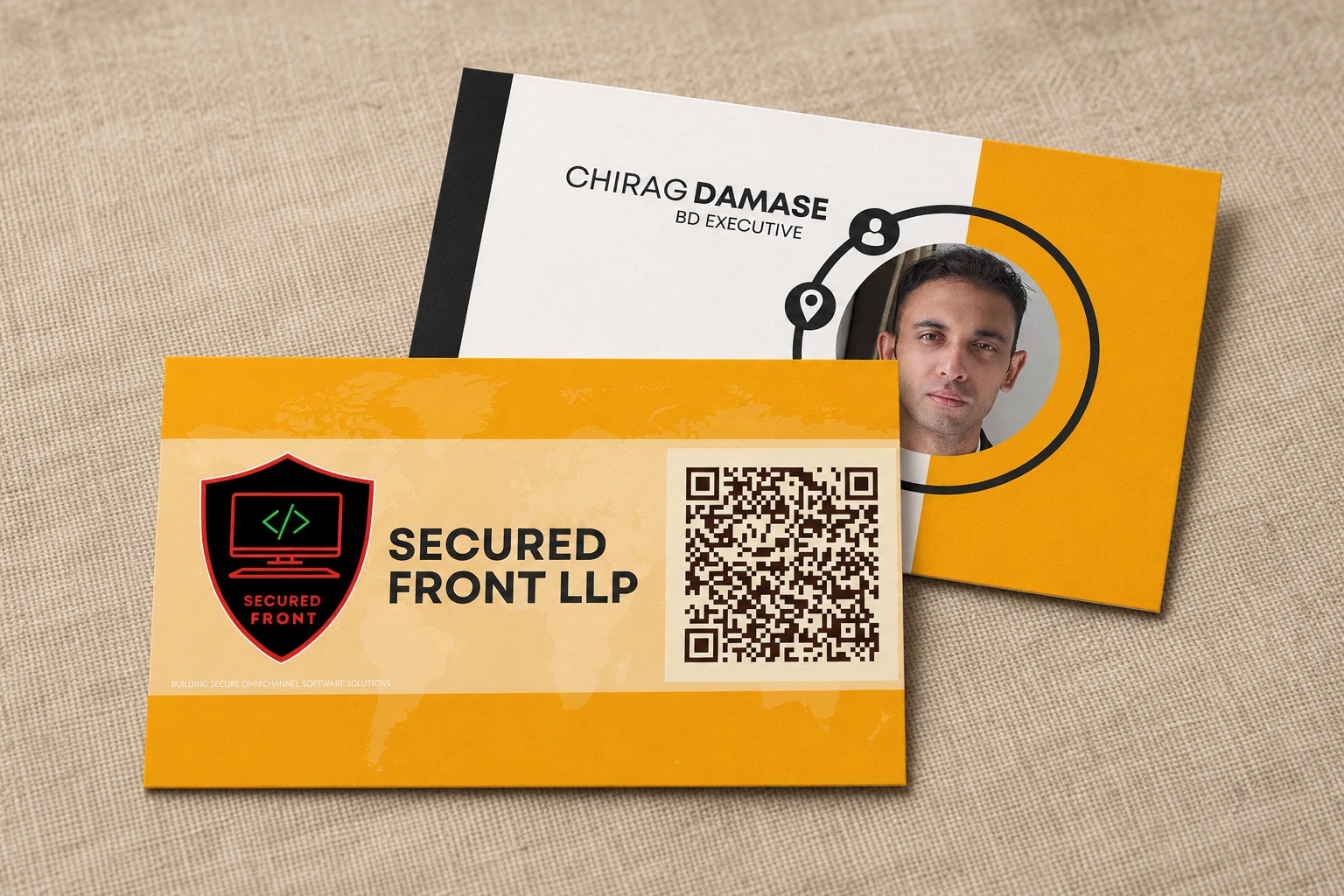
By keeping a professional’s identity and work information together, and by turning received paper cards into organised contacts in supported editions, the platform can support recognition and follow-up. It does not automatically record where an introduction took place; any additional meeting context still needs to be deliberately retained by the people involved.
The QR code therefore does not have to choose between opening only your contact, portfolio or communication channel. It can open one focused profile that helps the recipient understand who you are and decide what to explore next.
Your QR code is not merely a replacement for typing a web address. It is the first step in the digital experience that follows your introduction. Choose the destination with as much care as you choose the card itself.
See how ARG Transform supports professional contact exchange beyond the printed card.
Discover what ARG Transform can do for you