Ordering visiting cards may appear straightforward: choose a design, material and quantity. Yet the card remains with the recipient after the meeting. Its readability, accuracy, durability and usefulness therefore matter more than the price per card alone.
The cheapest or most decorative option is not necessarily the most useful. A good visiting card must remain accurate, readable, presentable, easy to carry, easy to retain, relevant after the meeting and connected to a useful next step.
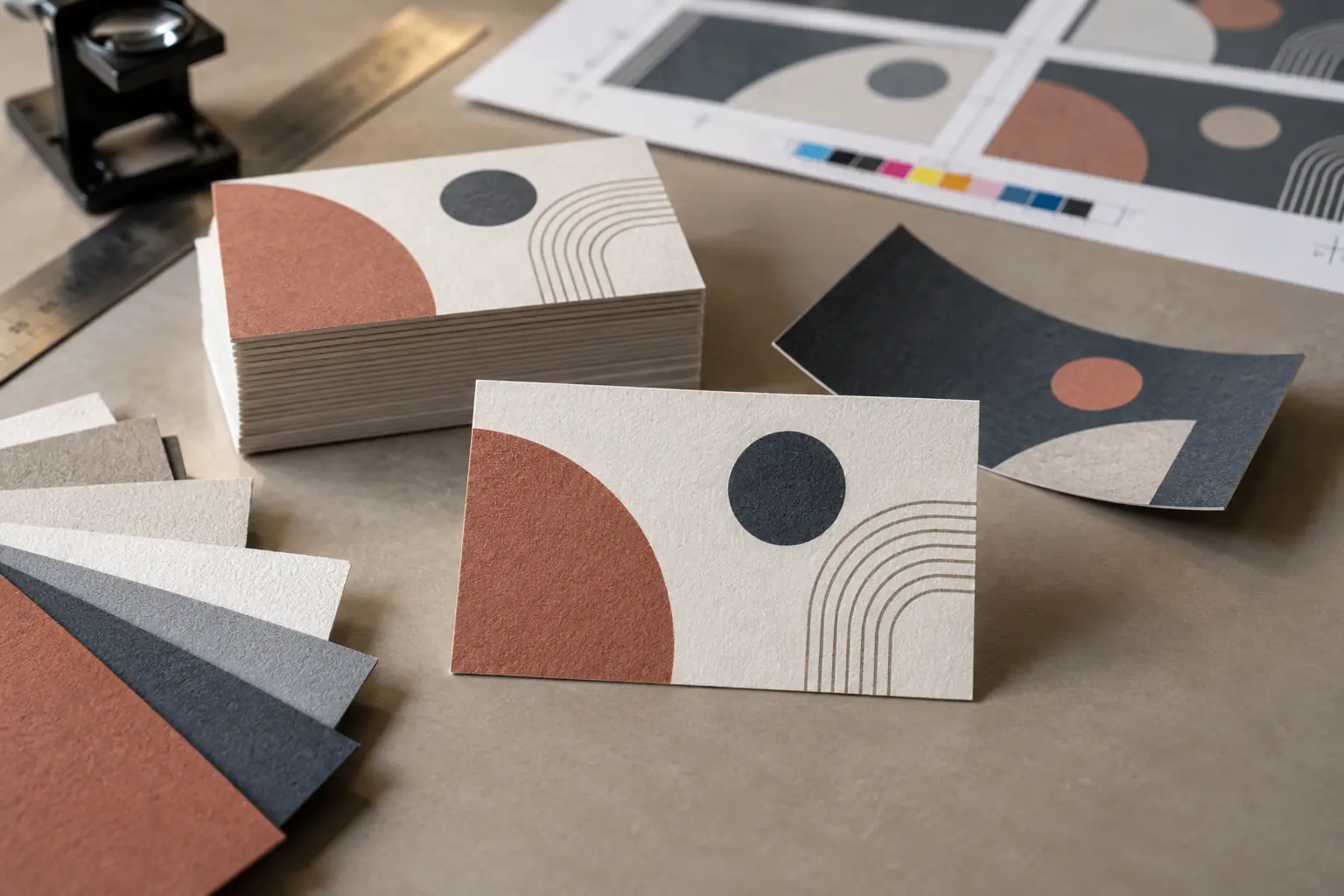
Begin with the purpose of the card
A visiting card should help the recipient recognise you, connect you with your company or profession, understand what you do, contact you easily, remember the introduction, refer you to another person and find more information about your work.
That purpose should shape the content and design. At an exhibition, a card may need to identify a product range quickly. A consultant should state the problem they solve. An architect may guide people to a portfolio. Retailers and local service providers may need a location, service area or direct phone number. Start with the likely next step, then decide what the card must say.
Decide what information deserves to be printed
Prioritise your name, designation, company name and logo, phone number, email, website, business location when relevant, and principal product, service or expertise. Generic titles such as “Director”, “Founder” or “Consultant” do not always explain when someone should contact you.
People may forget your name but remember the need that brought you to mind. Clear product or service information gives them another way to recognise you. Leave breathing room instead of filling every available space; hierarchy works only when everything is not competing for attention.
Check every detail before printing
Use a written proofing checklist:
- Name spelling, designation, company name, logo version and colours
- Phone number and country code, email address and website
- Office address and postcode, when included
- Social-media usernames and QR destination
- Capitalisation and punctuation
Call the phone number, send a test email and type the website address manually. Ask someone unfamiliar with the artwork to proofread it; a fresh reader is more likely to notice a detail your eye has started to skip.
Choose a practical card size
Dimensions vary by printer and convention. Confirm the finished size, bleed, safe area, wallet compatibility, special-cutting cost, material waste, reproduction consistency and the space available for essential information.
An unusual shape may attract attention but become difficult to retain. A card that will not fit a common wallet or card holder is more likely to be folded, left behind or discarded.
Understand bleed, trim and safe areas
The finished size is what the customer receives. The trim line is where the printer intends to cut. Bleed extends backgrounds beyond that line so a slight cutting variation does not leave a white edge. The safe area keeps important content far enough inside the trim to avoid accidental clipping.
Obtain the printer’s final dimensions, required bleed, safe margin, accepted file format, colour mode, minimum image resolution and font requirements. Keep names, contact details, logos and QR codes well away from the edge.
Select the paper and thickness carefully
Coated card stock can produce crisp colour; uncoated stock has a natural feel and is easier to write on. Textured and specialty papers create a tactile impression but may affect fine print. Recycled paper can support a particular brand choice, while synthetic or plastic material may resist moisture better than paper.
Thickness alone does not guarantee quality. Fibre, coating, stiffness, grain, print method and finishing all affect how the card feels and performs. Handle physical samples because online photographs cannot communicate stiffness, texture, colour or finish accurately.
Compare matte, gloss and specialty finishes
Matte finishes reduce glare and usually support comfortable reading. Gloss can make colours appear lively but may reflect light and show fingerprints. Soft-touch lamination creates a velvety feel but should be checked for marks and edge wear.
Spot UV, embossing, debossing, foil stamping and raised ink can emphasise selected elements. Rounded corners may reduce sharp-corner wear. Die-cut shapes can be memorable but cost more and may be harder to store. Use each effect for a reason. Reflective finishes near a QR code can interfere with scanning.
Make readability across age groups more important than decoration
The card may be handed to people of different ages and visual abilities. Very small text, thin lettering and weak contrast may look elegant on a screen but become difficult to read after printing.
Review font size and weight, letter and line spacing, text-to-background contrast, background complexity, alignment and visual hierarchy. The name, phone number, email and business description must be readable across age groups.
Print an actual-size proof and ask people from different age groups to read it without enlarging or photographing it. Decoration may create the first impression, but readability determines whether the card can perform its basic purpose.
Use colour with printing in mind
Screen and printed colours may differ because screens emit light while ink interacts with the selected material. Follow the printer’s requested colour mode, confirm brand colours, test them on the chosen paper and avoid subtle distinctions that may disappear in production.
Ensure text remains readable if the output is darker than expected and request a colour proof when accuracy matters. Fine white text on a deep black background is especially vulnerable: ink spread, registration and a small font can make it look thin or blurred.
Decide whether to print on one side or both
A single-sided card keeps everything visible at once and may cost less, but space becomes tight. A double-sided card can place personal and contact details on one side, with branding, a concise business description or QR code on the reverse.
The extra side should improve hierarchy. Do not use it merely to add unnecessary content, and remember that the recipient may photograph only one side.
Think carefully before removing the phone number
Removing the number can create a cleaner design and encourage people to visit a digital profile. It also removes an offline route. Someone may need the printed number when internet access is unavailable, the linked page is temporarily down, the QR code does not scan, they prefer to dial directly, or they have only a photograph or photocopy of the card.
There is no single answer for everyone. Decide whether immediate offline contact or driving visits to the profile is more important in your circumstances.
If you add a QR code, decide what it should open
A QR code is not valuable merely because it looks modern. It can open a company website, dedicated landing page, digital visiting card, contact file, WhatsApp conversation, portfolio, product catalogue, booking page or social-media profile.
For most professionals, a focused digital profile is a useful destination because it preserves identity and supports several next steps. Read more about what your business-card QR code should open.
WhatsApp alone may later leave the recipient looking at an unidentified number. The conversation can become buried, and disappearing messages may eventually remove the original context. An unfamiliar shortened link, unrelated third-party page or poorly designed destination can also weaken the professional impression.
Design the QR code for reliable scanning
Use strong contrast, preserve the clear quiet zone around the code, give it adequate printed size and keep it away from edges. Check print sharpness, surface reflection, background patterns and data density. A shorter URL generally creates a less dense pattern than embedding extensive contact information.
Test the printed proof at actual size, in normal indoor light and with multiple phones. A short instruction such as “Scan to view and save my profile” tells the recipient what to expect.
Check whether the QR destination can change
The physical QR pattern does not change after printing. What may change is its destination or the content displayed there. Ask whether the code points directly to the final page, whether linked content can be updated, whether updates require a subscription and what happens after expiry.
Also ask whether the printed code will continue working, whether its destination can be transferred and what happens if the provider closes. “Dynamic QR” does not automatically mean permanent, transferable or subscription-free.
Decide how many cards you genuinely need
Lower per-card prices can encourage oversized orders, but unused cards become waste when information changes. Consider how often you exchange cards, upcoming events and exhibitions, possible changes in role or address, changing product information, separate cards for team members and the expected storage duration.
When the print quality or design is untested, start with a smaller economical test batch if the printer offers one.
Ask for a physical proof or sample
Request a printed proof, paper or material sample, an existing card with the same finish, a photograph under normal lighting, confirmation of dimensions, a QR scan test and a colour proof where needed.
Check colour shifts, blurred or thin text, cutting alignment, lamination, scratches, fingerprints, edge finishing, QR performance and readability across age groups. Approve what you can physically assess, not only the enlarged artwork on a monitor.
Understand the complete printing price
Ask for a written quotation covering design charges, artwork corrections, printing, lamination, specialty paper, special cutting, rounded corners, QR creation, taxes, delivery, proof or sample and reprinting after errors.
If the QR opens a paid digital profile, include profile access and any applicable renewal costs. Separate printing charges from digital-service charges so you can compare quotations accurately.
Plan for information that may change
Stable information is safer to print directly. A designation, phone number, address, website, product catalogue, portfolio, services, introductory video or current promotion may change and could be better placed in a QR-linked digital profile.
Updating the online profile does not change physically printed text. It also does not automatically update a contact already saved in someone’s phone. Check the provider’s editing rules and renewal terms before relying on future updates.
Consider how you will carry the cards
Cards kept inside wallets may follow the wallet’s curve, develop worn corners, bend under pressure or become marked. Cards carried directly in close-fitting trouser or jacket pockets may bend, absorb moisture, become warm through prolonged body contact, and feel uncomfortable or unprofessional when handed to another person.
Women professionals may carry cards in handbags, laptop bags, purses or work totes, depending on the occasion. Loose cards in a larger bag can become difficult to find during an introduction, curve or bend, get scratched, be pressed between other items, or pick up marks from personal belongings.
Use a dedicated holder that keeps paper cards flat, clean, dry, easy to retrieve and separate from keys, coins, cosmetics and other items. Your visiting card represents you at the moment it is handed over—not when it first leaves the printing press.
Review the complete experience before ordering
- Is the card easy to read?
- Can people across age groups read the important details?
- Is it clear who you are and what you do?
- Does the material suit your professional identity?
- Are all contact details accurate?
- Does the card fit inside a wallet or card holder?
- Does the QR code scan at printed size?
- Does the correct page open?
- Is your identity immediately recognisable?
- Is the next step clear?
- Will the card remain useful when information changes?
- Are the quantity and total cost appropriate?
A premium finish cannot compensate for incorrect information, unreadable text or a broken link.
From a paper card to the recipient’s address book
Even a beautifully printed paper visiting card can have an uncertain future once it leaves your hand.
It may be placed in a drawer with dozens of other cards, bent inside a wallet or forgotten in a pocket when the clothes go into the wash. The recipient may still remember meeting you but no longer have your details when they need them.
An NFC card changes this exchange. You do not hand over the physical card; you keep and reuse it. The person you meet taps it with a compatible phone, and your digital professional profile opens. A printed QR code can provide another route to the same profile. Learn how NFC tap-to-share works.
With ARG Transform, recipients can view a browser-based profile without installing an app. Depending on the selected edition and its current terms, that profile can identify who you are, explain what you do and provide relevant material such as a business profile, brochure, reviews or introductory video.
More importantly, they can choose Save Contact and confirm that your details should be added to their phone. The tap or scan does not save the contact automatically. It creates a clear path from the meeting to the place where those details are most useful: the recipient’s address book.
ARG Transform offers reusable physical NFC cards with a QR route. Profile editing and renewal conditions vary: Essential is presented as a one-time profile setup with lifetime validity, while Pro Elite, Express, Glitter Plus and Net Zero include a personalised profile for one year and have renewal options. Review current edition terms before choosing.
The objective is not simply to replace paper with technology. It is to reduce the possibility that a carefully printed introduction becomes another card lost in a drawer, damaged in a wallet or forgotten in a pocket.
Your reusable card remains with you. Your contact travels with the person you met.
See how ARG Transform helps your contact reach the address book.
See how ARG Transform helps your contact reach the address book