Before ordering custom visiting cards, consider what should happen after an introduction. The cheapest card per unit is not necessarily the most useful card after the meeting. Choosing visiting cards for your business starts with how you distribute information, how people retain it and how they find you again.
Paper, QR and NFC are not three equivalent materials. Paper describes the physical card; QR is a visual method of opening a digital destination; NFC is a contactless method. A paper card can contain a QR code, while a reusable NFC card can also carry a printed QR code. Both can open the same digital professional profile.
Ask how many cards you distribute, whether each must be left behind, whether supporting information changes and whether recipients should save your contact. Consider portfolios, brochures, reviews and video, alongside whether you want to keep and reuse the card. The real choice concerns interaction, reuse, durability, distribution and what happens to the contact afterwards.
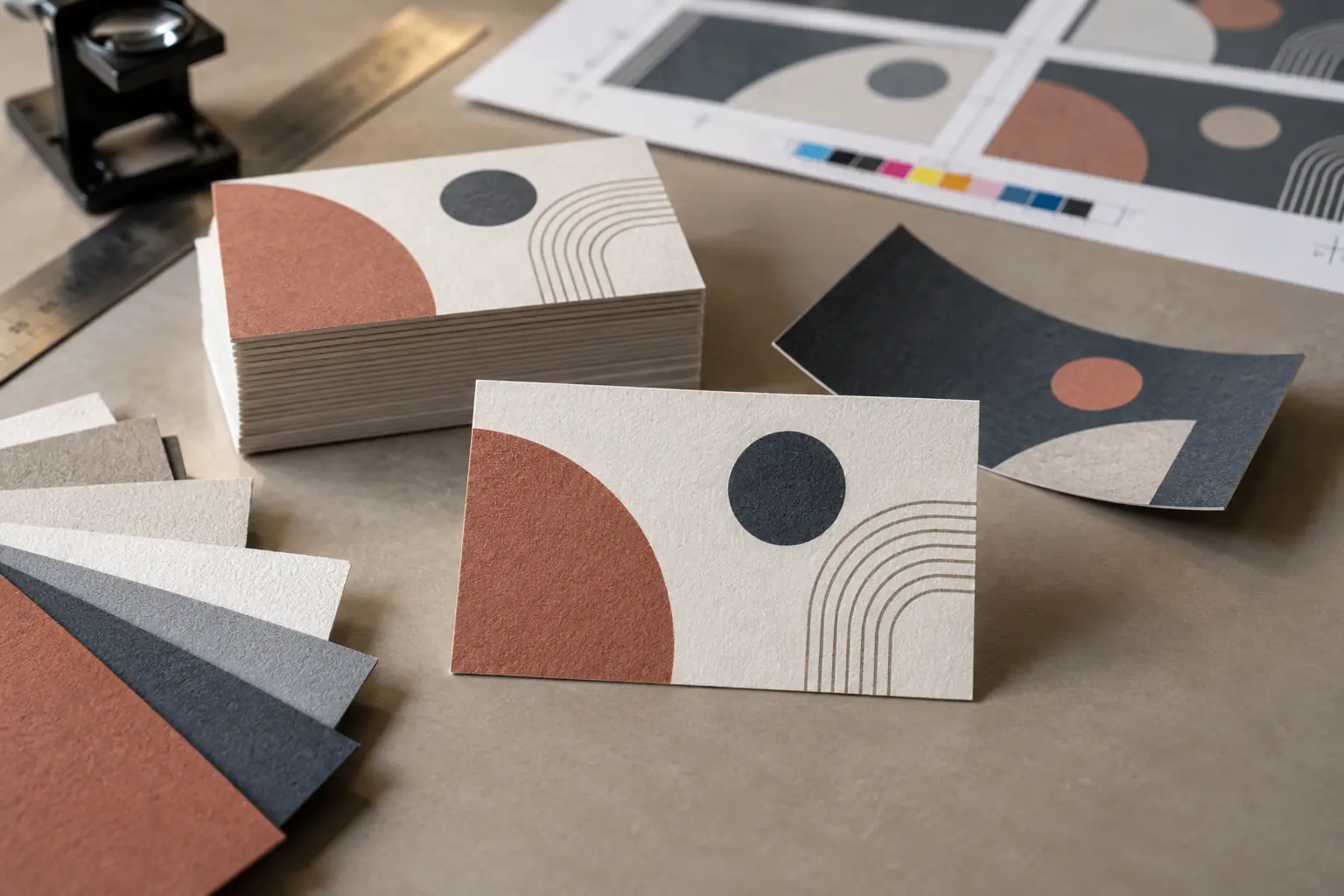
What does a traditional paper visiting card do well?
Paper visiting cards are familiar and immediately understandable. Reading printed information requires neither a phone nor internet access. A recipient can keep the card as a physical reminder or pass it to someone else who needs your services.
They work well at counters, exhibitions and anywhere cards are distributed in bulk. Different papers, finishes and printing styles offer considerable flexibility. A carefully printed card can communicate a professional identity while leaving a useful reference behind.
Where do paper cards fall short?
Everyday carrying affects presentation. Cards in wallets can bend or curve. Those in pockets may absorb warmth or moisture and feel less fresh when handed over. In handbags, laptop bags or tote bags, cards can be difficult to locate quickly or damaged by other items. Many professionals carry cards differently; the practical issue is protecting and retrieving them easily.
A card may be stained, misplaced, left in a drawer or accidentally washed with clothing. Owners also need to carry and replenish a stack. A card holder helps protect that stack, but cannot ensure the recipient keeps their copy.
Changes to a phone number, designation, address or branding require reprinting. Printed details cannot comfortably present a portfolio, brochure, reviews or video. Our visiting card printing guide covers practical checks before ordering.
Use the moment when the introduction is still fresh
The first meeting often determines whether someone wants to retain your information. Conversation, manner, gestures and the overall professional impression influence whether a paper card is preserved or added to a growing pile.
In many cases, the recipient accepts it politely and slips it into a pocket without reading a single line. When it is seen again—if at all—the context may have faded. This makes the introduction a useful opportunity to help the recipient open your professional profile and save your contact.
Weeks or months later, they may not remember your name, gestures or body language. They may instead search their phone for “architect”, “consultant”, “manufacturer” or “interior designer”. Include a meaningful company or professional description in the contact details offered for saving; search behaviour varies between address-book apps.
The objective is to move your professional identity into a searchable contact repository. The recipient must choose Save Contact and confirm the action. Neither a QR scan nor an NFC tap automatically saves the contact.
What does adding a QR code change?
A visiting card with QR code access can open a digital professional profile, portfolio, business profile, brochure, reviews, introductory video, website or contact-saving options. It connects a conventional card to richer information without long printed URLs or an overcrowded design.
QR codes are familiar and increasingly common, and many smartphone cameras can scan them. If the destination address remains unchanged and its service supports editing, linked content can be updated without changing the printed code.
The recipient must still notice the code and decide to scan. A QR code visiting card made of paper inherits paper’s physical limitations. Adequate size, contrast and clear space are essential: test the actual printed sample. An unmanaged or unfamiliar-looking destination can weaken trust, so identify what the code opens and maintain that page.
A QR code does not automatically save a contact. The destination determines the available actions; our guide to what a business-card QR code should open explains the choices.
What does an NFC visiting card change?
NFC means near-field communication. A compatible phone brought close to the card reads a stored link and prompts the recipient to open it. The card does not normally need a battery or charging. Its tag usually stores a link, not the complete portfolio or video; loading the linked profile generally requires internet access.
Phone compatibility, settings and reader position vary. A printed QR code on the same card provides an alternative. The recipient chooses whether to open the profile and does not need to retain the physical NFC business card.
The difference is one of interaction and reuse, not simply capability. Both QR and NFC can open the same digital destination. However, when a QR code is printed on a paper visiting card, the card still carries the familiar limitations of paper: it can be bent, damaged, misplaced, left in a drawer or even washed with clothing.
An NFC card is generally retained and reused by its owner. During the meeting, once the recipient accepts the phone’s prompt, it opens the digital profile directly on their phone, placing the contact information where it is most useful at that moment. The recipient can then choose Save Contact and confirm to add the details to their address book.
The reusable card remains with you. Your contact travels with the person you meet.
When is a paper card the practical choice?
While an NFC card may suit many situations, there are cases where using a paper card is inevitable or simply more practical.
Choose paper for high-volume distribution, retail counters, reception desks, exhibitions where cards are collected in bulk, and inserts inside packages or brochures. It also suits recipients who prefer a physical reference and situations where smartphone use is inconvenient.
Businesses with stable information and little need for supporting digital content may find a straightforward printed card sufficient.
When is a paper card with QR a practical choice?
Paper with QR suits businesses that want to preserve the familiar exchange and leave a physical card with every recipient, while offering optional access to richer information. It can be a moderate-cost transition between printed and digital networking, depending on printing and hosting charges.
Cards distributed through counters, packages, brochures or exhibitions can invite later exploration. Print enough essential information for the card to remain useful even when the recipient does not scan.
When does a reusable NFC card make sense?
A reusable business card can suit professionals who:
- Attend regular business meetings or network at industry events
- Want to demonstrate their work during an introduction
- Frequently update their portfolio or brochure
- Prefer not to carry stacks of paper cards
- Want recipients to save their information digitally
- Need to present a consistent professional identity
- Want QR as an alternative on the same card
- Want to reduce repeated printing and its environmental impact
- Want networking to reflect the quality and forward-thinking nature of their products or services
A smart business card can contribute to that impression; NFC alone does not prove that a business or its services are superior. Material quality and care still matter: a reusable card is not immune to damage or loss.
What can a digital professional profile contain?
A digital visiting card profile can bring together:
- Name, photograph, company and designation
- Phone number, email and professional description
- Products or services, portfolio or completed projects
- Business profile or brochure, reviews or testimonials
- Introductory video, website and selected professional social links
- Location, Save Contact and a voluntary Share Back option
More content is not always better. The profile should answer four questions:
- Who are you?
- What do you do?
- Why should the recipient remember or trust you?
- What should they do next?
An architect might highlight relevant completed projects; a manufacturer might prioritise product capabilities and a brochure. Select material that helps this particular introduction continue.
Compare paper, QR and NFC
On smaller screens, scroll the table sideways to compare all three options. Keyboard users can focus the table area and use the arrow keys.
| Consideration | Paper visiting card | Paper card with QR code | Reusable NFC card with digital profile |
|---|---|---|---|
| How it is shared | Handed to and retained by each recipient | Handed over; recipient scans the printed QR code | Owner keeps the card; recipient taps or scans |
| Information available | Limited to what is printed | Printed details plus linked digital content | Printed essentials plus linked digital content |
| Contact saving | Usually entered manually | Digital profile can provide a Save Contact option | Digital profile can provide a Save Contact option |
| Updating information | Requires reprinting | Linked profile may be updated, but printed details remain unchanged | Linked profile may be updated without replacing the card |
| Portfolio and supporting material | Very limited | Can link to a portfolio, brochure, reviews or video | Can link to a portfolio, brochure, reviews or video |
| Phone compatibility | No phone required | Requires a phone camera capable of scanning QR codes | NFC requires a compatible phone; QR can provide an alternative |
| Reusability | Normally given away once | Normally given away once | Designed to remain with the owner and be reused |
| Risk of physical loss or damage | Can be misplaced, bent, stained or washed with clothing | Has the same physical risks as any paper card | Only one physical card needs to be carried; contact information can be saved digitally |
| Sustainability | Requires a new card for every recipient and further printing when details change | Still requires one printed card per recipient, although linked content may reduce brochures and some reprinting | Reuse can reduce repeated printing. An illustrative calculation using a 2023 study suggests that one reusable PVC card instead of 1,000 paper-based cards could reduce manufacturing-related CO₂ emissions by approximately 99.6%–99.9%. |
| Best suited for | Bulk distribution, traditional settings and recipients who prefer printed information | Businesses wanting familiar paper cards with access to richer digital information | Professionals who meet people regularly and want one reusable card connected to an updateable profile |
The sustainability figure is an illustrative comparison calculated from a 2023 study of paper-based and virgin-PVC gift-card manufacturing—not a product-specific lifecycle assessment of ARG Transform. It excludes delivery, digital hosting, internet use and replacement of lost or damaged cards. Read the 2023 gift-card manufacturing study (PDF).
The illustration compares one PVC card with 1,000 paper-based cards; the study did not test NFC networking. Actual savings depend on how many printed cards are displaced and how long the reusable card lasts.
Consider the complete cost
Compare design cost, printing quantity, reorders, delivery and reprints after information changes. Include replacement of lost or damaged cards. For digital options, check profile hosting, subscription or renewal fees and what continues working if you do not renew.
Ask whether the profile can be edited, whether the card can be reassigned and whether a replacement arrangement is available. Updating a profile does not necessarily update details already saved in someone’s address book.
“No app required” does not necessarily mean “no subscription.” Distinguish between the physical card and the digital service behind it. Our guide to checking NFC card subscription terms explains what to establish before purchasing.
How ARG Transform approaches the choice
ARG Transform connects a digital professional profile with QR, NFC or a shareable link. Someone you meet can view your identity and contact information, choose to save your details and explore relevant material such as a business profile, portfolio, brochure, reviews or introductory video without installing an app.
ARG Transform also supports the other side of the introduction. A user can scan a prospect’s paper visiting card to capture its details, or the prospect can voluntarily provide their information digitally through the Share Back option. This helps the user retain more than an unexplained phone number: they can capture the prospect’s identity and the context needed for a meaningful, well-informed follow-up.
Opening a profile does not automatically send the visitor’s phone number to the card owner. Share Back is voluntary; saving a contact also remains the recipient’s choice.
- Choose paper when the card must be left behind.
- Choose paper with QR when a physical handover should lead to richer digital information.
- Choose a reusable NFC card when you want to keep one card and move the introduction onto the recipient’s phone during the meeting.
Some businesses will benefit from using more than one option: a reusable card for meetings and printed cards for distribution, for example.
Find an edition that suits the way you share your professional identity.
Explore ARG Transform editions