Searching for “visiting card printing near me” is usually only the beginning of the decision. A nearby printer offers personal discussion, physical samples and possible local collection. An online printer may provide convenience, visible prices, templates and easy reordering.
For Indian business owners and professionals, the right choice depends on material, print quality, quantity, customisation, urgency, proofing, delivery and support if something goes wrong. Neither location nor a polished ordering website settles those questions.
The cheapest card per unit is not necessarily the most useful card after the meeting.
What does visiting card printing near me offer?
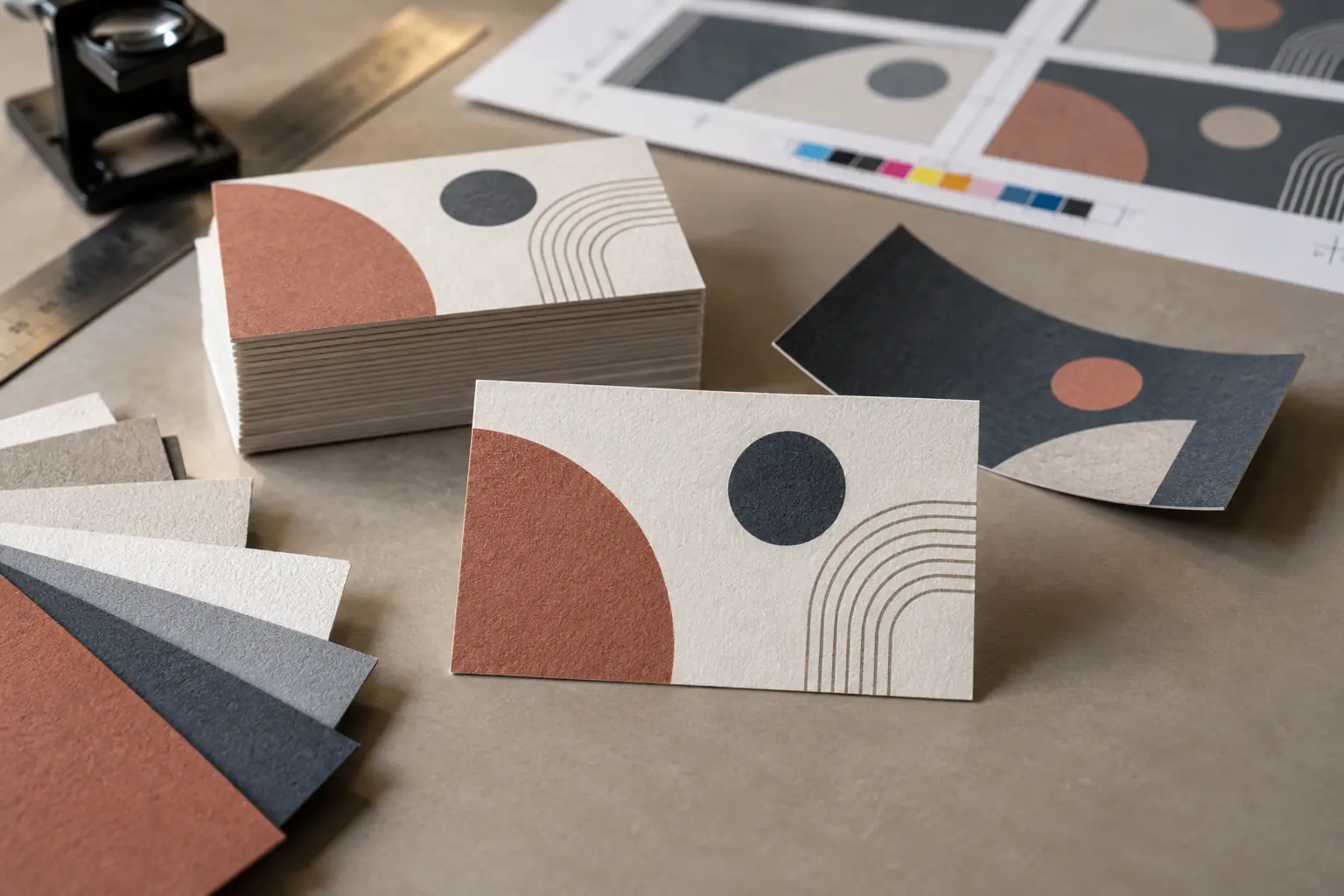
A nearby printer lets you see and feel paper samples, compare thickness and rigidity, and inspect coated, uncoated and textured materials. You can discuss matte and gloss lamination while observing how each surface looks under ordinary light.
Ask to see embossing, spot UV, foil and rounded corners on completed cards. Direct discussion can make artwork corrections easier, and a printed proof can reveal problems before the full run. Local collection may help with urgent orders; a reliable relationship can simplify repeat printing.
Proximity does not guarantee quality. Some shops outsource production or carry limited materials. Ask what is printed in-house, where finishing happens and who checks the result. Inspect comparable samples using similar paper, colours and detail, rather than judging an unrelated showcase card.
When is a local printer more practical?
Local printing can be practical for urgent work when production capacity is confirmed, material-sensitive designs, unusual sizes and special finishes. It also helps when colour matching needs discussion or artwork needs correction rather than straightforward uploading.
Consider a nearby supplier when you want a small test quantity or personal inspection before accepting the order. Confirm that these services are available and priced: a local address does not ensure same-day production or an economical short run.
What does online visiting-card printing offer?
Online services let you order at any time, use ready-made templates or upload print-ready artwork. Clearly listed quantities and prices can simplify comparison across standard sizes and finishes. Saved designs and order history often make repeat orders easier.
Depending on the service, you may arrange delivery to multiple locations, track orders and use promotional pricing. Check whether an offer applies to your chosen stock and quantity, and whether shipping changes the total.
A screen preview cannot fully communicate paper thickness, texture, colour or the way a finish responds to light. A realistic-looking mock-up is useful for layout, but it is not evidence of the finished card’s feel or print quality.
When is an online printer more practical?
An online printer can suit standard card requirements, print-ready artwork and easy price comparison. Repeatable designs for distributed teams and multiple delivery locations may be easier to coordinate through one account.
Choose this route when you have sufficient time for delivery or correction and do not need to inspect stock personally. For team orders, check each person’s details separately and confirm whether multiple addresses require separate orders or additional charges.
Compare the complete price
Give each printer the same specification. Compare dimensions, paper type and GSM, single- or double-sided printing, quantity, lamination, corner treatment and special finishes. A lower quotation may simply describe a different card.
Include artwork charges, taxes, packaging and delivery. Record the completion date and reprint policy alongside the price. Ask for a final written total in rupees, including applicable GST, before approving the job.
The lowest cost per card is not necessarily the lowest cost per useful card. Ordering 1,000 cards is wasteful if most remain unused when a designation, address, phone number or brand changes. Estimate what you will realistically distribute before the next update.
Ask for material samples
Thickness and rigidity
GSM measures weight per unit area; it does not alone determine how substantial a card feels. Paper construction, thickness and finish also affect stiffness. Handle samples instead of assuming the higher number will always feel better.
Cards stored in wallets can bend or curve. Close-fitting pockets can expose them to warmth or moisture. Cards carried loosely in handbags, laptop bags or tote bags can be damaged by other items or become difficult to locate quickly. Assess how well a visiting card survives normal professional use, including storage in your usual card holder.
Coated and uncoated stock
Coated stock commonly gives sharper images and more vivid-looking colour; uncoated stock offers a more natural texture and can make colours appear softer. Uncoated paper is often easier to write on. If you add appointment times or notes, test your usual pen on the actual finished surface.
Matte and gloss lamination
Gloss can intensify colour but introduce reflections and visible fingerprints. Matte reduces glare, although some surfaces show rubbing or scuff marks. Inspect both under light from different angles, checking important text rather than only the overall appearance. Ask how the finish handles everyday handling.
Textured and specialty papers
Texture can weaken small text, thin lines and detailed artwork. A blank sample cannot show this clearly: request a printed sample on the proposed stock. Check fine logo details and reverse text before committing to a premium material.
Readability before decoration
A visiting card is first a communication tool. Check the name, designation, company, phone number, email, website, location when relevant and QR instruction when present. Make the next action obvious without crowding the design.
Avoid very small text, thin fonts, weak contrast and reflective finishes over important information. Decorative effects should not compete with readability. View the card at its actual size, across age groups and ordinary lighting conditions; an enlarged screen preview can hide legibility problems.
For a broader ordering checklist, read our visiting card printing guide.
Verify artwork specifications
Obtain the printer’s requirements before designing. Confirm final dimensions, bleed beyond the trim line, the safe area for important content and cutting tolerance. Keep text and logos comfortably inside that safe area so small cutting shifts do not spoil the layout.
Ask for the required colour mode, image resolution at final size and file format. Supply vector logos where possible. Follow the printer’s font-handling instructions, such as embedding fonts in the PDF or outlining a delivery copy while retaining an editable original.
Screen and print colours differ because displays emit light and paper reflects it. Exact colour matching may require a physical proof on the chosen stock. Agree what the proof represents: a layout printout cannot necessarily predict the final press colour or lamination.
Test a printed QR code
Use strong contrast, adequate size and clear space around the QR pattern. Keep it safely away from the cutting edge and avoid reflective finishes over it. Follow the printer’s guidance, but judge success on the actual printed card rather than a scan from your monitor.
Test under ordinary indoor light with different iPhone and Android phones. Check that the correct destination opens promptly and remains mobile-friendly. A short web address generally creates a less dense QR pattern than encoding extensive information directly, making the design easier to accommodate.
Use a stable destination URL that you can maintain. Check the service’s link expiry or renewal conditions if applicable. Scanning does not automatically save a contact: a digital profile may present a Save Contact option, but the recipient must select and confirm it. Our guide to what a business-card QR code should open explains destination choices.
Inspect the proof carefully
Review the final proof, including both sides, against this checklist:
- Spelling of personal and company names, and the current designation
- Phone number, email and website, checked character by character
- Correct logo, alignment and readability at printed size
- QR destination tested, with outdated information removed
Ask another person to review it. For important or expensive jobs, order a physical proof or small test quantity. Keep the approved file and written specifications so both parties know which version should be produced.
Compare turnaround time
Separate two dates when discussing deadlines:
- Production completion: when printing, finishing and quality checks will be complete.
- Final delivery: when the cards should reach you, or be ready for confirmed local collection.
Ask when the clock starts: payment, artwork acceptance or proof approval. Special materials and finishes can delay local and online orders. Delivery estimates may also depend on your PIN code. Allow extra time before conferences, exhibitions, meetings or travel, including time to inspect the cards and arrange corrections.
Understand the reprint policy
Read the policy before paying, and ask:
- What qualifies for a reprint, and how quickly must damage or errors be reported?
- Are photographs sufficient, or must defective cards be returned? Who pays return delivery?
- Are colour variations covered, and how long will replacement take?
- What happens if the uploaded artwork contained the error?
Do not assume a free reprint covers a mistake you approved. On arrival, inspect cards from different parts of the batch, photograph defects and retain the packaging while the issue is being resolved.
Local and online printing compared
On a small screen, scroll the table horizontally to compare both options. Keyboard users can focus the table region and use the arrow keys.
| Consideration | Local visiting-card printer | Online printing service |
|---|---|---|
| Material inspection | Usually possible before ordering | May require a sample pack or trial order |
| Personal guidance | Often available face to face | Depends on chat, email or telephone support |
| Artwork correction | Can often be discussed directly | May be automated or cost extra |
| Range of options | Depends on the individual printer | Often broad but standardised |
| Price comparison | Requires separate quotations | Usually visible immediately |
| Urgent orders | Useful when production is genuinely local | Express production and delivery may cost more |
| Collection | Often possible | Usually delivered |
| Multi-location orders | May require extra coordination | Often easier to manage |
| Physical proof | May be easier to arrange | Availability and cost vary |
| Reordering | Depends on whether files are retained | Designs and order history are often stored |
| Problem resolution | Direct discussion may be possible | Usually follows a formal support process |
| Best suited for | Material-sensitive, urgent or custom work | Standardised, repeatable and distributed orders |
Questions to ask before ordering
- Can I see the actual paper and finish?
- What is the final price, including taxes and delivery?
- Is artwork correction included?
- Will I receive a proof?
- Can I order a small test quantity?
- What are the bleed and safe-area requirements?
- What colour variation should I expect?
- Will the finish affect readability or QR scanning?
- When will printing and delivery be completed?
- What is the reprint policy?
- Will the artwork be retained for future orders?
- Can the same material and colour be reproduced later?
What happens after the card is handed over?
Even a well-printed card may be accepted politely and slipped into a pocket without being read. It may later be bent, misplaced, left in a drawer, mixed into a pile or washed with clothing.
A printed QR code can connect the card to a digital profile, portfolio, brochure, reviews or introductory video. However, a QR code printed on paper retains the physical limitations of the paper carrying it.
For professionals who meet people regularly and do not need to leave a physical card behind every time, a reusable NFC card can open the same digital profile. The owner retains the card while the recipient taps with a compatible phone or scans its QR code.
Tapping or scanning does not automatically save the contact. The recipient chooses Save Contact and confirms the action. The reusable card remains with you. Your contact travels with the person you meet.
How ARG Transform complements printed visiting cards
ARG Transform connects a professional digital profile with a QR code, reusable NFC card or shareable link. A recipient can view contact details and relevant supporting material such as a business profile, portfolio, brochure, reviews or introductory video without installing an app.
ARG Transform also supports the other side of the introduction. You can scan a prospect’s paper visiting card to capture its details, or the prospect can voluntarily provide their information through the Share Back option. This helps preserve more than an unexplained phone number: it can retain the identity and context needed for a meaningful follow-up.
Opening a profile does not automatically provide the visitor’s information. Sharing back is a separate, voluntary action.
Before placing your next printing order, examine both parts of the experience: what the recipient sees on the card and what happens after the exchange. Together, they determine whether your visiting card remains useful after the meeting.