An architect rarely wins a project through contact details alone.
A prospective client wants to understand how you think, what you have designed and whether your experience is relevant to the space they want to create. Yet a conventional business card usually leaves them with little more than your name, designation and phone number.
The meeting ends, but the evaluation often begins afterwards. The client may discuss the project with family members, business partners or other decision-makers, compare several architects and search for examples that resemble what they have in mind.
Your business card should help your work remain part of that conversation.
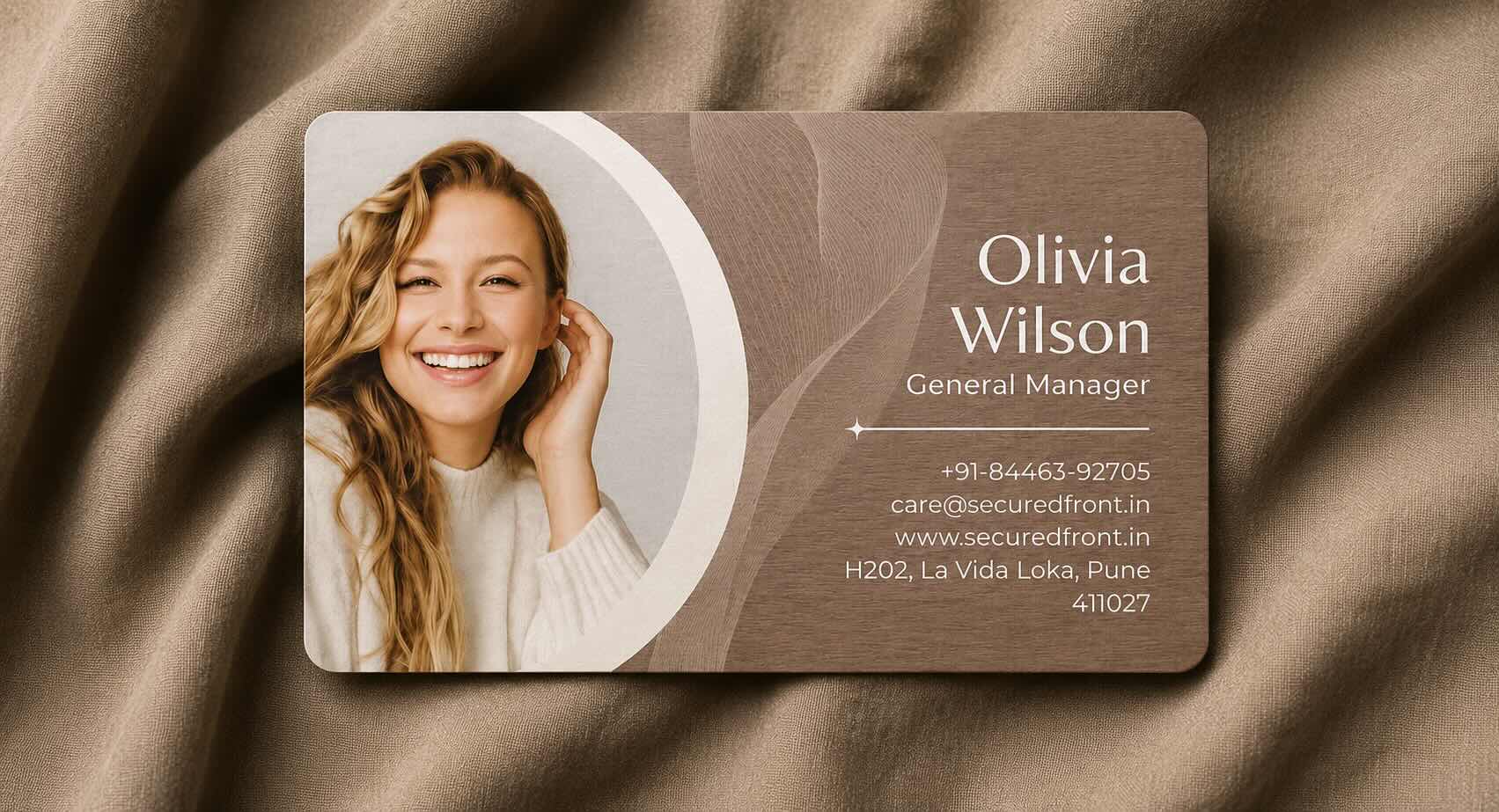
An architect’s work is visual
Architecture cannot be meaningfully represented by a phone number and email address. Clients may want to see:
- Completed buildings and interior spaces
- Plans, design concepts and before-and-after transformations
- Materials and finishes
- The scale of projects handled
- The architect’s design language
- Evidence that ideas were successfully executed
A well-designed physical card can represent your visual identity, but it cannot carry enough work to help someone evaluate your practice. Connecting it to a digital profile allows the recipient to move naturally from meeting you to exploring your work.
What happens after the first meeting?
During a meeting, you can explain your process, show drawings and discuss previous projects. The prospective client may appear interested without making an immediate decision.
Afterwards, your paper card may be placed in a wallet or drawer. The client might remember the conversation but forget your name, need to explain your work to another decision-maker, find only a generic company page, or receive another architect’s portfolio that is easier to review.
This does not necessarily mean the meeting went badly. It means the client did not have enough of your work available when the conversation continued without you. Your portfolio can bridge that gap.
Leave your work behind without leaving a catalogue
Carrying a printed portfolio or catalogue to every meeting is not always practical. It can become outdated, damaged or inappropriate for an informal introduction.
A digital portfolio connected to your business card can remain available after a brief meeting, site visit, exhibition or referral. The recipient can explore it when they have time and share it with a spouse or family member, business partner, developer, procurement team, project consultant or another person involved in the decision.
The objective is not to display every project you have completed. It is to leave behind enough evidence for the conversation to continue.
Select projects that answer the client’s questions
A portfolio becomes more useful when it helps a prospective client recognise work relevant to their requirement. You might organise selected work into residential architecture, commercial spaces, interior design, redevelopment, hospitality, healthcare, educational buildings, industrial projects, landscape design or sustainable architecture.
Someone planning a residence may not be persuaded by a large collection of unrelated commercial work. A hotel owner may want hospitality experience, while a developer may care more about scale and execution capability. Relevance is more valuable than volume.
Show more than finished photographs
Completed-project photographs matter, but they do not always reveal how the architect approached the problem. Where appropriate, explain the client’s original requirement, site or space constraints, design considerations, planning challenges, material choices, sustainability decisions, before-and-after conditions, your role and the completed outcome.
A short explanation can turn an attractive photograph into evidence of professional judgement. Two or three lines of context may be enough to explain why the work matters.
Let the portfolio reflect the conversation
Your portfolio should support the kind of work you want to receive. If your focus is premium residential architecture, show that work first. If you specialise in efficient commercial interiors, demonstrate how you address space, movement, brand and function.
Before a campaign, exhibition or important meeting, check which projects appear first, whether recent work is included, whether categories are clear, whether photographs load well on mobile, whether outdated work should be removed, whether confidential information is exposed and whether the portfolio matches your current services.
If the linked profile can be edited under your selected edition, the physical card can continue leading to current work without being reprinted whenever the portfolio changes.
Introduce the architect, not only the firm
Architecture is both professional and personal. Clients are evaluating the firm’s portfolio and deciding who they may work with through a long and consequential project.
Your digital profile can show your name and photograph, role within the practice, areas of expertise, architectural approach, locations or regions served, project types and best contact methods. A generic company homepage may explain the practice but leave the recipient searching for the architect they met. The destination should connect the person, practice and portfolio immediately.
Explain what kind of architect you are
“Architect” may be accurate, but it is not always specific enough to help someone remember when to contact you. Consider a clearer description such as residential architect and interior designer, commercial workspace architect, redevelopment and housing specialist, hospitality design consultant, sustainable architecture practice, healthcare planning and design, or industrial and warehouse architect.
People may forget your name but remember their requirement: “I met an architect who works on redevelopment” or “Someone showed me efficient office designs.” Your name helps people find you when they remember you. Your specialisation helps them find you when they remember their need.
Make your credentials accessible without overcrowding the card
Professional credentials may matter, but printing every qualification, registration and association on a small card can make it difficult to read. A digital profile or business profile can provide room for education and qualifications, professional registration, practice experience, awards, publications, professional associations, sustainability credentials and technical expertise.
Include only verifiable, relevant information. Credentials should build confidence rather than overwhelm the recipient. The physical card can remain clean while the supporting profile provides detail for someone who wants to examine it.
Use an introductory video when your thinking matters
A short introductory video can explain the projects you undertake, how you understand a client, how you balance design and practicality, what happens during an initial consultation, how you work with budgets and constraints, and what makes a successful architect-client relationship.
Keep it concise and optional. It should not play unexpectedly when the profile opens. A clear, natural explanation often builds more confidence than a heavily produced presentation with little substance.
Make reviews and recommendations easy to reach
Architecture projects involve trust, time and considerable investment. A digital profile can direct prospects to genuine Google reviews, client testimonials, project case studies, professional recommendations, video testimonials and relevant media coverage.
Reviews support the portfolio by showing how clients experienced the process behind the finished work. Make each source clear and do not present isolated or edited comments in a misleading way.
Give the client a clear next step
A strong portfolio can create interest, but the recipient should not have to search for a way to continue. Useful actions can include calling or emailing the architect, starting a WhatsApp conversation, requesting an initial consultation, visiting the practice website, viewing a detailed business profile, finding the studio or saving the architect’s contact.
Prioritise the channels you monitor. Guide the recipient towards one or two suitable next steps instead of presenting a crowded list of inactive options.
Do not make WhatsApp the only record of the connection
A direct WhatsApp link can start a conversation, but it may not preserve enough professional context. If the recipient does not save your contact, they may later see only a number and an old conversation. They may not remember the architect’s name, the projects viewed or where the introduction took place. Disappearing messages can eventually remove even the introductory context.
WhatsApp can remain an important action within the digital profile. It should support the relationship without becoming the only place where someone can identify you or revisit your work.
Make saving your contact part of the experience
A visible Save Contact option helps the recipient deliberately add your name, practice, designation, phone number, email, website and studio address to their phone.
Opening a profile does not automatically save the contact. The recipient still needs to choose the save option and confirm the action on their phone. A clear invitation can help: “You can view my work here and save my contact if it is relevant to your project.” This respects the recipient’s choice.
Design the physical card as part of your work
An architect’s business card is itself a small design object. Its typography, spacing, material and finish influence how the practice is perceived, but visual experimentation should not compromise usability.
- Keep text readable across age groups and give contact information sufficient contrast.
- Make the name and practice immediately visible.
- Choose material that survives normal handling and fits a wallet or card holder.
- Give the QR code a clear quiet zone and avoid reflective finishes that obstruct scanning.
- Connect both sides visually and reflect the type of practice you operate.
Just like your finished product, every visible detail influences how people perceive the thought and quality behind your work. The physical card, digital profile and portfolio should feel like parts of one professional experience.
Decide what the QR code should open
A QR code could open a homepage, WhatsApp chat, PDF portfolio, social-media page or digital professional profile. A PDF provides work but may not identify the architect or make saving the contact easy. Social media can introduce unrelated posts and distractions. A generic homepage can make the recipient search for the person they met.
For most architects, a focused digital profile is a stronger starting point. It can establish identity first and then provide the portfolio, business profile, reviews, video and contact options. Learn what your business-card QR code should open.
Test the portfolio journey before using the card
Test more than whether the QR code scans or NFC link opens:
- Does the correct profile open?
- Is the architect immediately recognisable and the practice name clear?
- Are the areas of work easy to understand?
- Does the portfolio load well on a mobile connection?
- Are projects organised meaningfully and photographs clear?
- Do brochure and video links work?
- Can the recipient choose to save the contact?
- Do call, email and WhatsApp actions work?
- Can the profile be viewed without installing an app?
- Is the next step obvious?
Ask someone unfamiliar with the profile to test it. Their hesitation can reveal where the journey is unclear.
Keep the portfolio current
Your architectural work evolves, but a physical card may remain in use for years. Before choosing a service, ask whether the portfolio or brochure can change, which edition includes editing, whether storage limits apply, whether editing needs an active subscription, what remains after expiry, whether the printed QR code continues working and whether a card can be replaced or reassigned.
A digital profile is only as dependable as the service and terms behind it. Updating the online profile also does not update a contact someone previously saved. If your phone number or email changes, notify important clients directly.
Help referrals carry enough context
Architects often receive work through referrals. Forwarding only a phone number leaves the explanation to the former client, contractor, consultant or friend making the introduction.
A shareable digital profile can carry your identity, practice information, specialisations, selected work, reviews and contact actions. The referred person can understand why you may be relevant before contacting you. Your portfolio is no longer limited to the person who received the physical card; it can travel with the recommendation.
How ARG Transform helps an architect’s work remain available
ARG Transform connects a reusable physical NFC business card to a digital professional profile. A prospective client can tap with a compatible phone or scan the QR code to view the architect’s identity and, depending on the selected edition and current terms, access material such as a business profile, portfolio or brochure, reviews and an introductory video without installing an app.
The card remains with the architect and can be reused. The prospective client can deliberately choose Save Contact and confirm the action instead of carrying away another paper card that may be lost in a drawer, bent inside a wallet or forgotten in a pocket.
ARG Transform also supports the other side of the introduction: users of supported editions can scan a prospect’s paper business card to capture its details. Scanning is deliberate, and the available capabilities, editing access and renewal rules depend on the selected edition and its current terms.
This does not replace a thoughtful consultation or follow-up. It helps preserve the identity, work and contact information surrounding the introduction.
The meeting ends. Your portfolio does not have to.
Let prospective clients move from your introduction to the work that supports it.
Explore ARG Transform for your architectural practice